Burning Bridges AI guide
Burning Bridges AI Ideas: Who to Put at the Front of the Party
Short answer
The trend works best with someone you would never expect at a fancy party, or someone the room should be cheering: the birthday person, the friend who is always late (the "where she at" joke writes itself), a grandparent, or yourself. Ask them first, then add one clear photo to the Burning Bridges AI effect; you get 15 seconds, 9:16, with the song, 7 credits at 480p, 12 at 720p or 24 at 1080p.
- 1 photo
- 15 s, 9:16
- With the song
- From 7 credits
Updated
Eight people to put at the front
| Who | Why it works | Caption idea |
|---|---|---|
| The birthday person | The room is toasting them | "Main character energy, one year older" |
| The friend who is always late | The hand over the eyes looks like everyone waiting for them | "Us at 9:45 looking for her" |
| A grandparent | The least likely guest at that party | "Grandma pulled up" |
| Your boss or team lead | A friendly roast for the team chat, with their OK | "Friday drinks, according to him" |
| The groom or the bride | A teaser before the wedding party | "Where she at? Getting married" |
| A new graduate | Celebration without a speech | "Degree done, party mode" |
| Your partner | An anniversary post with a wink | "Still looking for me in every room" |
| You | The simplest version of the trend | "Me arriving at the group dinner" |
Write the caption yourself in the app when you post; the video has no text on it.
Photos that hold up in a dim party room
- One person, face to the camera, eyes visible.
- Bright, even light on the face: the room in the video is dark and warm.
- Waist up, so the outfit comes along. The clothes in your photo are the clothes in the video.
- No sunglasses, caps or hands over the face.
Ask first, and who you cannot use
Only use photos of yourself or of people who agreed to be in the video. Photos of public figures are not allowed. A roast lands better when the person is in on it.
How to make it
- Open Burning Bridges AI and add the photo.
- Pick 480p, 720p or 1080p; the length is always 15 seconds.
- Press Create. It usually takes 5 to 15 minutes; you can close the tab and find it in My creations.
- Download the MP4 with the song and add your caption in TikTok, Reels or Shorts.
New accounts get one free 2-second preview before paying. Packs never expire, from $9.99 for 10 credits.
Can a whole group be in one video?
No. The scene has one lead. Make one video per person and post them as a set.
Can I use my dog?
Not with this effect; it is people only. The Bulin 47 and Hotel Lobby AI effects take pets.
Will they keep their own outfit?
Yes. Face, hair and clothes all come from the photo.
Does the video have the song?
Yes. The same 15 seconds of Burning Bridges are laid under your video.
Sources
Read next
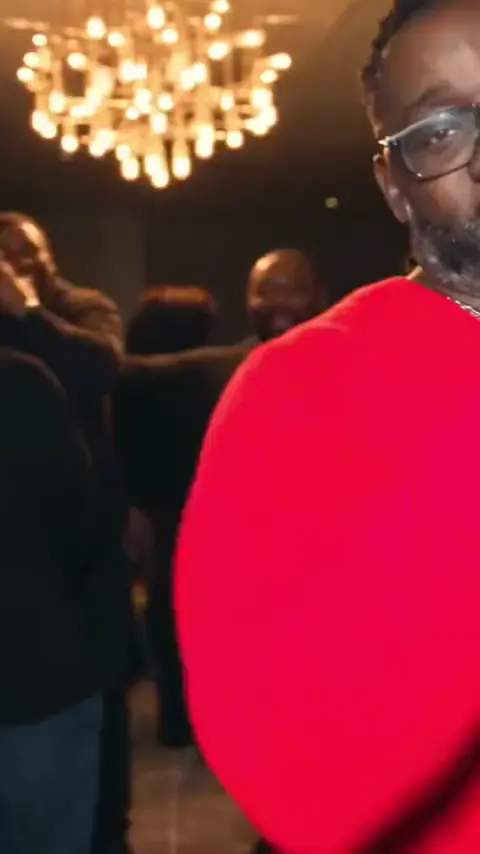 Burning Bridges AI
Burning Bridges Trend Explained: The Drake Party Clip
The Drake party clip behind the Burning Bridges trend, the "where she at" moment, what the phrase means, and how people make the AI versions.Updated- Hotel Lobby AI
Who to Put in the Orange Booth: Hotel Lobby AI Pairings
Twelve duos for the Hotel Lobby trend, from a dad’s birthday to the office, with who raps, who hypes and which sound fits.Updated - All effects
Trending AI Video Effects in October 2026, Compared
Three photo-to-video trends of October 2026 side by side: what each shows, what you upload, length, sound, price and search interest.Updated
VideoEffect is an independent site. Trend names, songs and tools named here belong to their owners, who are not connected to VideoEffect. Prices and limits for VideoEffect come from the site itself; facts about other tools are from their own pages on the date shown in Sources.